Home
Know what the house needs before it becomes urgent.
Hank learns your house and tells you the few things that matter this week, in the Daddish app on the web and iPhone.
Daddish is invite-only for now. If you have an invitation, Open Home signs you in. No invitation yet? Open Tabs, my weekly field report, gets first access to the tools that prove useful.


Home, up close
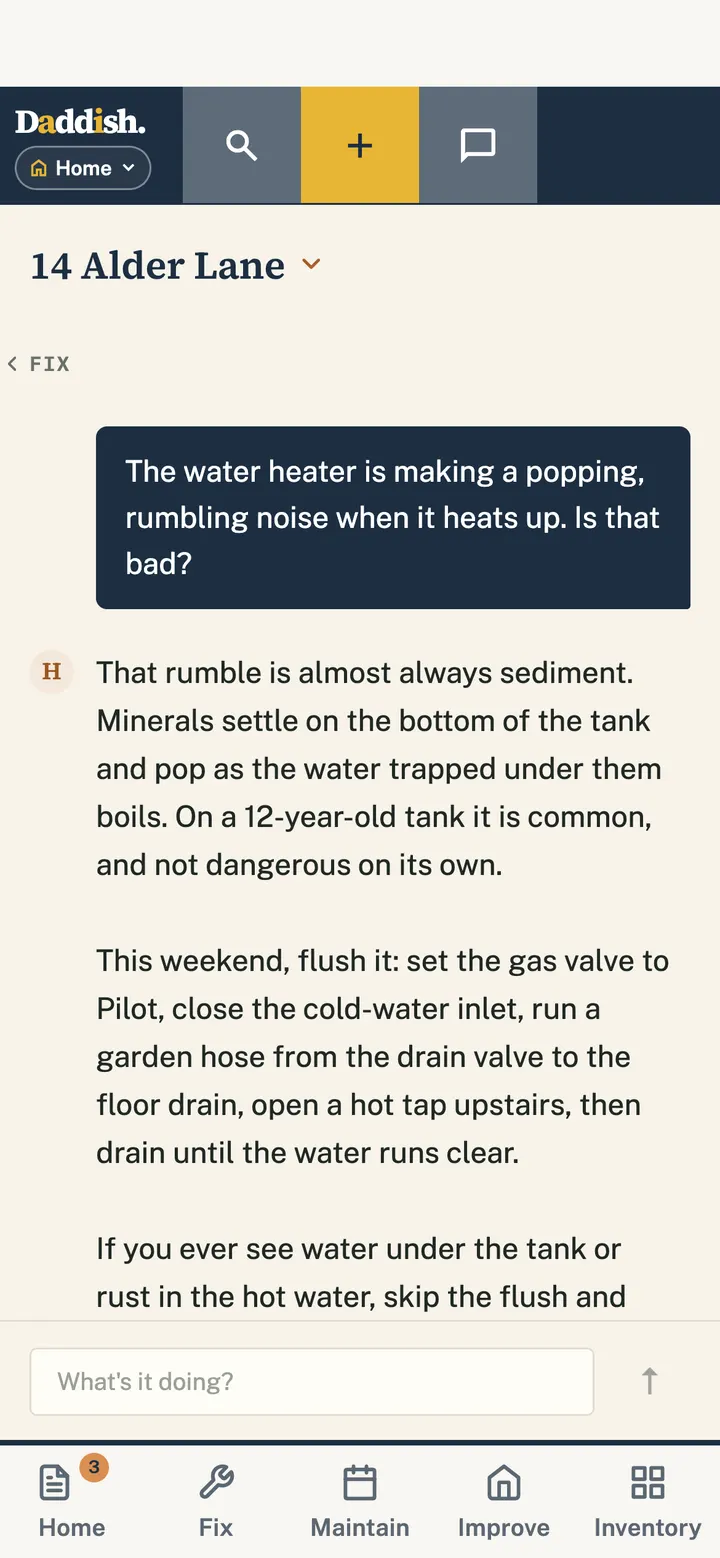
Ask Hank

Real screens from the Daddish app, shown with a made-up household.
What it does
Your house in one place.
This week’s work
The Home tab shows what the house needs this week, laid over a map of the house.
Fix, safety first
Start from what’s wrong. Get the safety steps first, and where the shutoffs are.
Maintain and Improve
Routines you mark done with one tap and can print, plus projects broken into steps with their own shopping list.
An inventory that looks ahead
Appliances with model, age, warranty and manual, and a five-year forecast of what’s likely to wear out.
One Daddish app
One app. Five areas.
Home is one area of the Daddish app. One Daddish sign-in opens all five, with a switcher to move between them, one Capture that files things in the right place, and one Search across everything.
Shared with your household: the house, what it needs and what’s been done. Guests can get a guide link that expires. Home is in the Daddish app on the web and iPhone, and DaySet nudges you when it’s time to show Hank your house.
- DaySetStart your day on purpose.
- FoodCooking that compounds.
- FitnessThe workout that survives your day.
- HomeKnow what the house needs before it becomes urgent.
- 180Measure. Modify. Master. 180 degrees in 180 days.
Home is in private beta.
Invite-only for now. One Daddish sign-in opens Home and every other area.